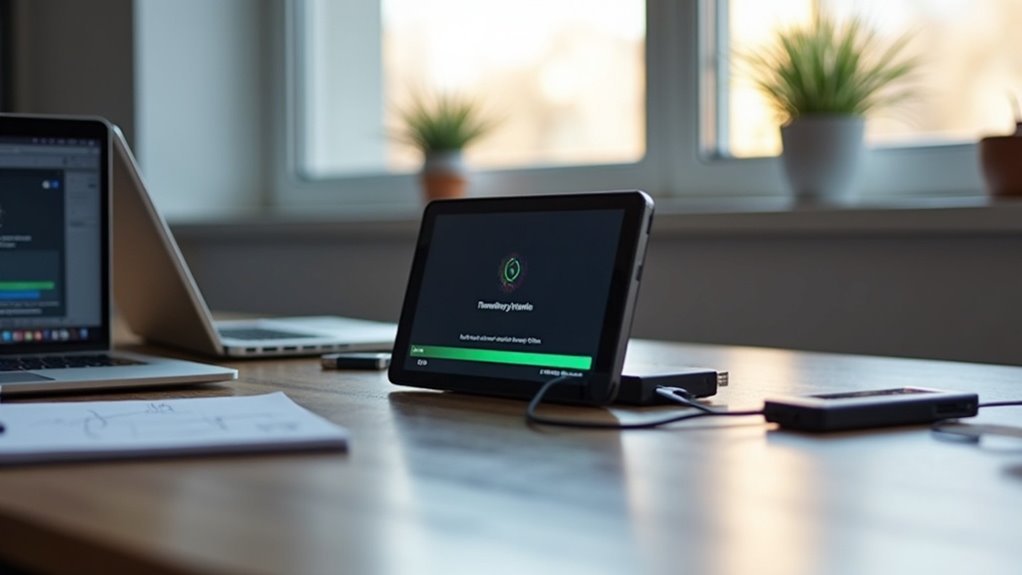
To update the firmware on your home gym equipment without issues, begin by opening the companion app associated with your device and navigating to the “Settings” or “Device Info” section to check for updates. Ensure that you have a stable Wi-Fi connection and that your equipment is fully charged or plugged in for optimal performance. Follow the on-screen prompts to download and install the latest updates. Once the process is complete, confirm that everything is functioning properly. If you’re interested in tips for routine checks and maintenance to keep your equipment in top shape, continue reading!
Key Takeaways
- Ensure a stable Wi-Fi connection and that your home gym equipment is charged or plugged in before starting the firmware update process to avoid any interruptions.
- Regularly check for updates manually or enable automatic updates to keep your equipment’s firmware current and secure, ensuring optimal performance during your workouts.
- Follow the prompts in the companion app carefully to download and install firmware updates without skipping steps, which can help enhance your exercise experience.
- After an update, verify the updated firmware version against the manufacturer’s website to confirm a successful update and maintain the quality of your home gym equipment.
- If you encounter any malfunctions after the update, reboot the device to restore proper functionality and get back to your fitness routine.
Importance of Keeping Firmware Updated
Keeping your home gym equipment’s firmware updated is essential not only for security but also for optimizing your workout experience.
Regular updates can address vulnerabilities that could be exploited by hackers, ensuring your smart fitness devices remain secure. They also fix bugs and improve connectivity, leading to a smoother, more efficient workout.
Furthermore, firmware updates often introduce new features, allowing you to fully harness your equipment’s potential and enhance your training regimen. By maintaining compatibility with other smart devices and fitness applications, updates help prevent issues that may arise from outdated software.
Ignoring firmware updates can lead to data breaches and equipment malfunctions, making proactive update management a vital part of your home fitness journey.
Stay ahead in your health and fitness goals by ensuring your equipment is always up to date.
Step-by-Step Guide to Updating Smart Devices
To maximize the benefits of your home gym equipment, it’s essential to keep your smart devices updated.
Start by opening the companion app associated with your fitness equipment and navigate to the “Settings” or “Device Info” section to check for updates.
Open the companion app for your fitness equipment and check the “Settings” or “Device Info” section for updates.
Ensure your device is connected to a stable Wi-Fi network and is either plugged in or fully charged.
Follow the prompts to download and install firmware updates, confirming completion before rebooting.
Regularly check for updates, ideally every month, to address performance issues and enhance your workout experience.
After updating, monitor your devices to ensure they’re functioning properly, so you can focus on staying healthy and achieving your fitness goals at home.
Automatic vs. Manual Updates: What You Need to Know
While both automatic and manual updates have their advantages, understanding the differences can help you choose the right approach for your home gym equipment and fitness tracking devices.
- Automatic updates ensure your fitness apps and device firmware remain up-to-date without requiring your input.
- Manual updates allow you to schedule updates based on your workout routine or personal preferences.
- Security patches are applied seamlessly with automatic updates, keeping your personal data safe while you focus on your fitness goals.
- Many users overlook updates, making manual checks crucial for implementing significant changes to workout programs or equipment settings.
- Combining both methods can optimize your home gym experience, allowing minor updates to occur automatically while you take charge of more substantial software enhancements.
Ultimately, evaluating your fitness needs will guide you in selecting the best update strategy for your home gym equipment and health monitoring devices.
Verifying the Success of Your Update
After you’ve chosen your update method and completed the firmware update for your home gym equipment, it’s important to verify its success. First, check the updated firmware version against the manufacturer’s website to confirm accuracy.
Verify the success of your firmware update by checking the version against the manufacturer’s website for accuracy.
If you notice any malfunctions, try rebooting the device; this often resolves post-update issues. Make certain your equipment is connected to Wi-Fi, as a stable connection is essential for proper functionality, especially when tracking your workouts or accessing fitness apps.
Additionally, regularly check the companion app to stay updated on new features or required actions that can enhance your home workout experience.
If problems persist, don’t hesitate to reach out to customer support for assistance with any underlying issues that may remain, ensuring you can maintain your fitness routine without interruption.
Best Practices for Regular Update Checks
Regularly checking for firmware updates is essential for keeping your home gym equipment running smoothly and securely.
To ensure your devices remain efficient and protected, follow these best practices:
- Schedule monthly or bi-monthly checks in your equipment’s app to stay on top of updates.
- Enable notifications from your fitness device hub for seamless update alerts.
- Group devices by brand for easier tracking of their update statuses.
- Maintain a list of your gym equipment along with their update methods and schedules.
- Set calendar reminders to cultivate a habit of proactive maintenance for your home workout setup.